

Your Astro site is ready, you run the command to deploy it to Cloudflare, and suddenly git shows changes in files you never touched. Your package.json has new scripts, astro.config.mjs has an adapter you didn’t ask for, and a wrangler.jsonc shows up. Your site was static, and now the project is set up for something else.
It happened to me on November 3, 2026, the day I moved this blog from Blogger to Astro. I had to undo the changes with git and reinstall the dependencies. Since then I deploy a different way, and that’s what this post is about. I checked it again on November 17 with Astro 7 and wrangler 4.164.
Why it happens
Wrangler is Cloudflare’s command line tool for deploying. Recent versions include automatic configuration that detects your framework and gets the project ready for Cloudflare Workers. According to its documentation, for Astro it runs astro add cloudflare, creates a wrangler.jsonc and adds scripts to package.json.
That makes sense if you want your site to run as a server app. For a static blog, which only needs the dist folder uploaded, it’s too much. The catch is that it kicks in when you run wrangler inside the project folder, because that’s where it finds the package.json with Astro in it.
The way I deploy
The idea is simple. Build the site, copy the dist folder somewhere outside the project, and deploy from there. Wrangler sees no package.json and just uploads the files.
- Log in once with
npx wrangler login. Your browser opens so you can authorize your Cloudflare account. - Build the site inside the project with
npm run build. Astro puts everything indist. - Copy the
distfolder to a temporary folder outside the project. - Go into that temporary folder and deploy with
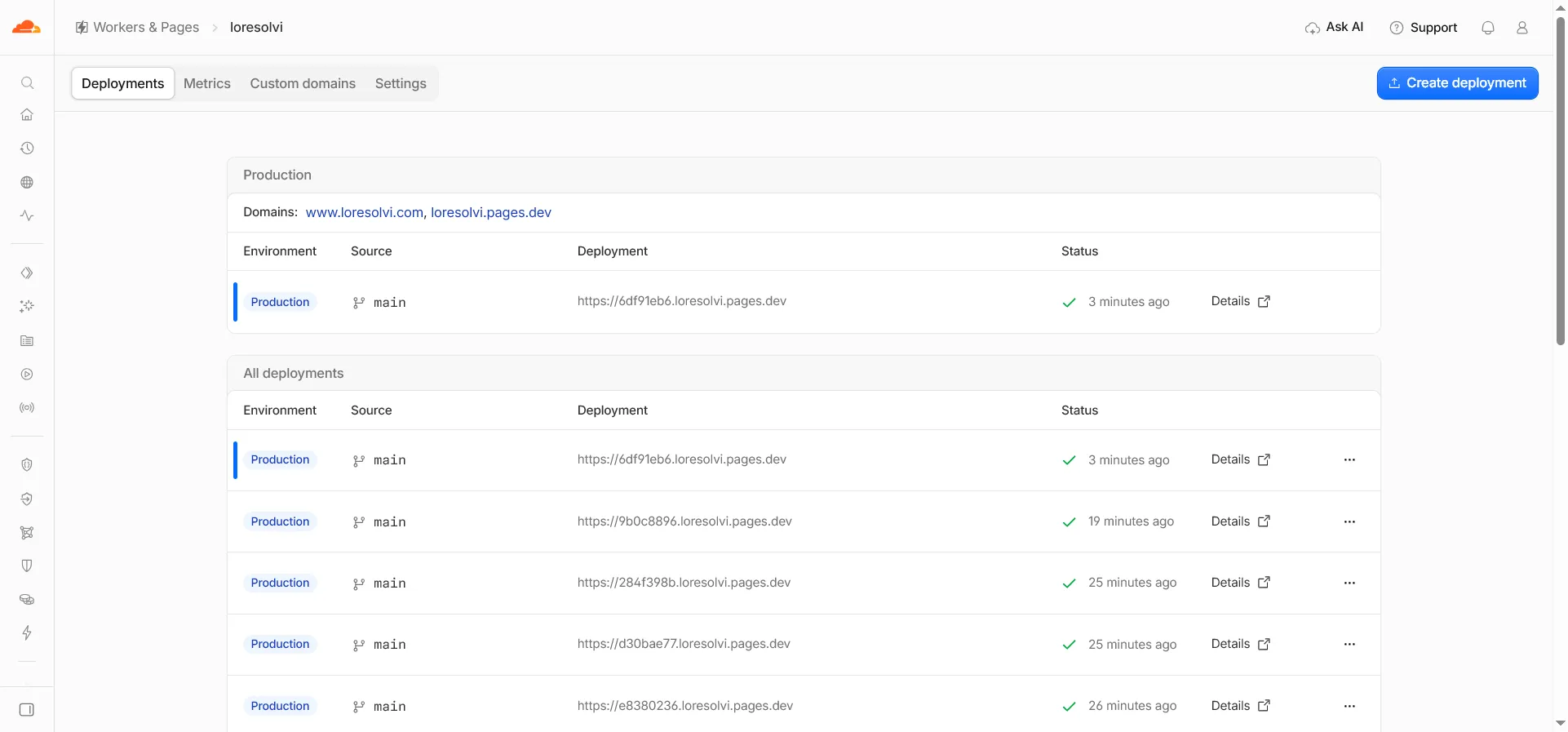
npx wrangler pages deploy ./dist --project-name your-project-name --branch main. - When it finishes, wrangler prints a preview address ending in
pages.dev. Open it and check the site.
With --branch main the deployment goes to production, on your domain. With any other branch name it becomes a preview with its own address, which is handy for testing first. If your folder has uncommitted git changes, wrangler warns you, and --commit-dirty=true tells it that’s fine.
If you’d rather skip the terminal, Cloudflare can build the site for you too. You connect your GitHub repository to the Pages project and set npm run build as the build command and dist as the output folder. That’s how their Astro guide explains it.
If it already changed your project
Nothing serious. If you use git, undo the changes in package.json, astro.config.mjs and tsconfig.json, delete the wrangler.jsonc it created and run npm ci to put the dependencies back the way they were. Check with npm run build that the site builds just like before.
If you want to see what automatic configuration would do without letting it touch anything, Cloudflare’s documentation lists npx wrangler setup --dry-run. And if your project already has a wrangler configuration file, automatic configuration doesn’t run.
Your own domain
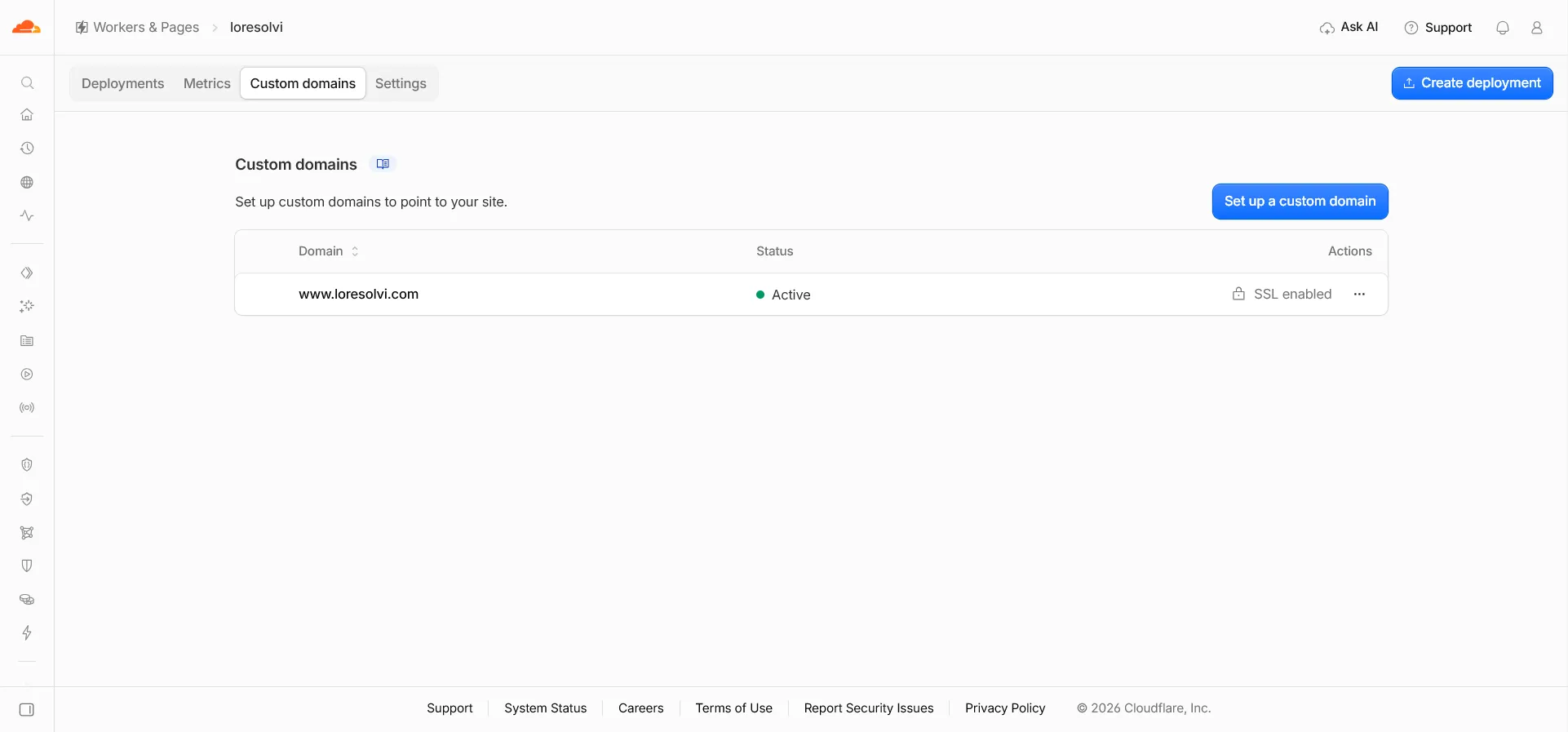
In the Pages project, the Custom domains tab is where you connect your domain. If the domain is already on Cloudflare, the DNS record is created for you. In my case www.loresolvi.com points to the project, and the bare domain redirects to www with a redirect rule.
Three files worth having
Pages reads a few special files if they’re in Astro’s public folder, which is copied as is into dist.
_headersadds headers to responses. I use it so images and Astro’s files are cached, and so thepages.devcopy sendsX-Robots-Tag: noindex. That way Google doesn’t index that address as if it were a separate site._redirectsholds simple redirects, one per line with the source, the destination and the status code. I use it for old Blogger addresses, for example to sendsitemap.xmlto the new sitemap.404.htmlis the error page. Astro generates it if you havesrc/pages/404.astro, and Pages serves it when an address doesn’t exist.
Pages addresses don’t use .html. If someone opens /something.html, Pages redirects to /something, so write your links and canonical tags without the extension.
Before you ask
Does it cost anything to deploy on Cloudflare Pages? For a static blog, no. This blog is on the free plan.
Do I need the Cloudflare adapter for Astro? Only if your site has parts that are rendered on the server. If everything is static, like a blog, you don’t need it.
What if I deploy from inside the project by accident?
Look at git status. If those files show up as changed, undo them as described above before going on.
Where can I see past deployments? In the project’s Deployments tab. Each one has its own preview address, and you can roll back to an earlier one if something went wrong.
Comments
Write a comment